SkyReels V4 alternatives comparison hero image for AI video generator features and audio-visual sync quality

[ Alternatives ]

SkyReels V4 Alternatives

We tested major AI video tools head-to-head. Here are the top SkyReels V4 alternatives for text to video, image to video, and native audio sync — with real pricing and feature breakdowns.

[ Comparison ]

Feature Comparison

See where SkyReels V4 stands out against mainstream AI video models for commercial production.

Feature
SkyReels V4Recommended
Seedance 2.0Kling AIRunway MLLuma Dream Machine
Starting Price
Credit-based with strong output quality
Credit-based (~$9.90/mo entry)
$6.99/mo (Standard)
$12/mo (Standard)
$29.99/mo (Plus)
Trial Access
Limited
Limited
Limited (daily credits)
Limited (125 one-time credits)
Limited (Try for free)
Native Audio-Visual Sync
Excellent (unified joint generation, same model)
Good (audio-video joint)
Good (Native Audio in 3.0)
Good (Generative Audio + lip sync)
Fair (separate audio models)
Max Video Length
~15s native multi-shot
4-15s
10-15s (extendable)
10s+
5-10s typical (extendable)
Resolution
1080p / 32FPS cinematic
1080p (up to 2K in higher)
1080p
Up to 4K
1080p (4K upscale higher)
Text to Video
Image to Video
Multimodal Editing
Excellent (unified inpainting + editing in one pass)
Good (strong references)
Good
Good
Fair
Global Speed (US)
Competitive + predictable
Fast
Fast
Medium
Medium
Best For
Short synced cinematic clips (ready-to-post with native audio)
General short video generation
Storytelling
Creative editing
Concepts

[ Editor's #1 ]

Why SkyReels V4 Stands Out

SkyReels V4 - Core Strengths

Positioning: Best overall for synced, production-ready AI video workflows

Why teams choose SkyReels V4

SkyReels V4 combines high-quality audio-video synchronization, multimodal control, and consistent cinematic output in one model. It is especially strong for short commercial clips where sync and polish matter most.

Pros

  • Top-tier native audio-visual sync for dialogue and music timing
  • Stable generation speed with fewer queue interruptions
  • Strong multimodal inputs (text, image, audio references)
  • Fast generation optimized for US creators and teams
  • Ready-to-export output for ads, Reels, and explainers

Cons

Each generation capped at 15s (chain multiple for longer projects).

Best for: Marketing teams and creators prioritizing sync quality, speed, and delivery consistency.

Try SkyReels V4 now

[ Deep Dive ]

All SkyReels V4 Alternatives Compared

Detailed breakdown of each tool including pricing, pros, cons, and real use cases for marketing and production teams.

2

Kling AI

$6.99 – $180/month

Free tier: daily credits, lower resolution on free output.
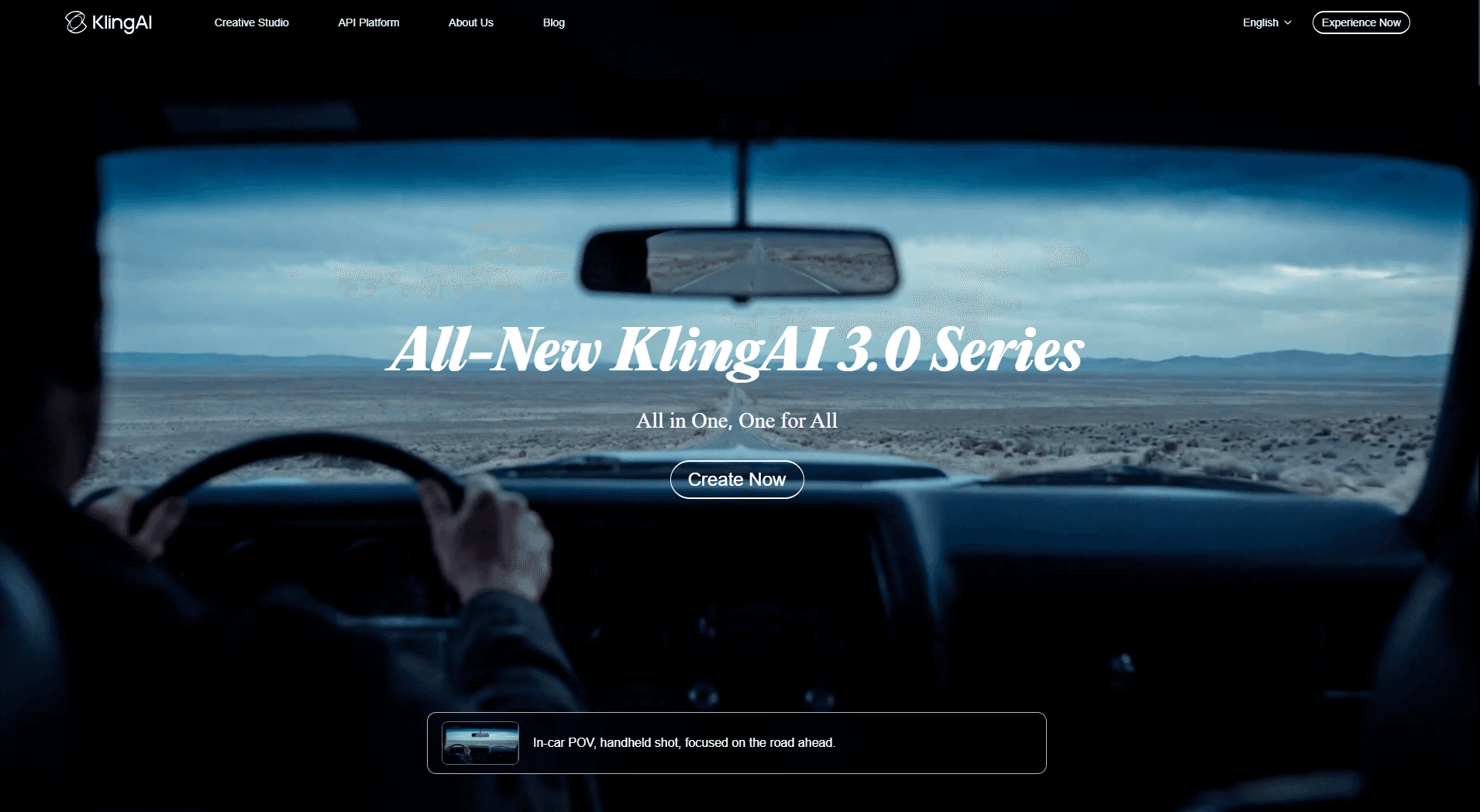
Kling AI interface preview in SkyReels V4 alternatives comparison for AI video generator features

Strong motion and character consistency—one of the fastest options for cinematic moves and physics-aware generation.

Pros
  • Fast generation for rapid iteration and shorts
  • Good physics and motion for cinematic storytelling
  • Solid character consistency across shots
Cons
  • Weaker native audio–video sync than unified audio models
  • Credit limits can add up for heavy commercial use

Best for: Creators and teams prioritizing motion-first storytelling.

Visit Site
3

Runway ML

$12 – $76/month

Tiered plans by credits; Gen tools sold as suite.

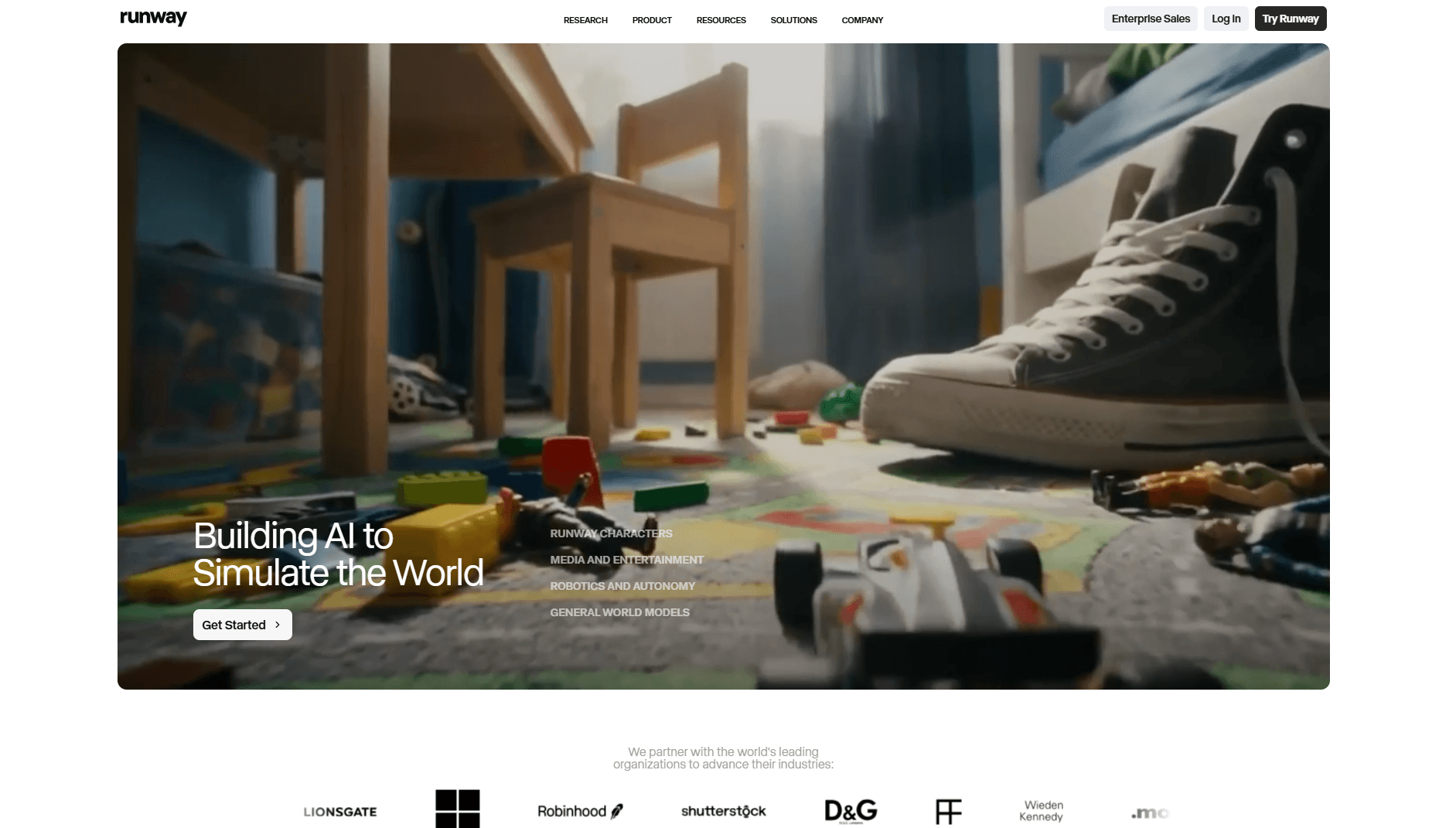
Runway ML interface preview in SkyReels V4 alternatives comparison for AI video generator features

Advanced editing and inpainting in a pro creative stack—built for teams that want granular control.

Pros
  • Professional editing, masking, and inpainting tools
  • High-quality outputs for creative and film workflows
  • Strong ecosystem for visual experimentation
Cons
  • Higher cost when you generate at scale
  • Less “one-click audio+video” than dedicated sync-first tools

Best for: Filmmakers, motion designers, and VFX-minded creatives.

Visit Site
4

Luma Dream Machine

$29 – $199/month

Pricing varies by resolution and commercial use.

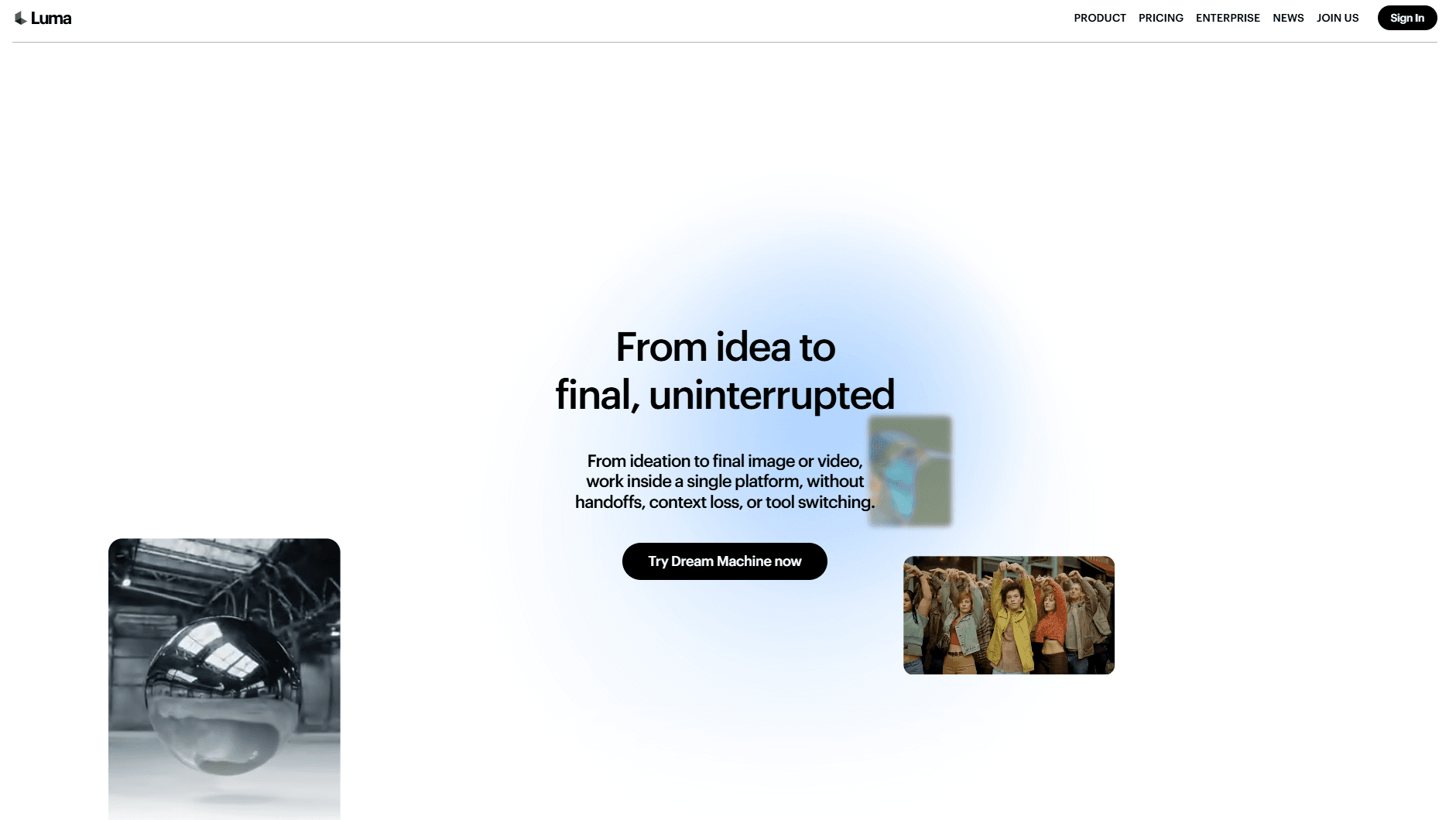
Luma Dream Machine interface preview in SkyReels V4 alternatives comparison for AI video generator features

Excellent visual realism and physics-forward motion—great when the shot needs to feel grounded in the real world.

Pros
  • Strong realism and physics-forward motion
  • Useful for concepting and pre-visualization
  • Polished web experience for quick tests
Cons
  • Native audio sync is more limited vs audio-first models
  • Pricing skews up for power users

Best for: Animation, previz, and high-fidelity concept exploration.

Visit Site
5

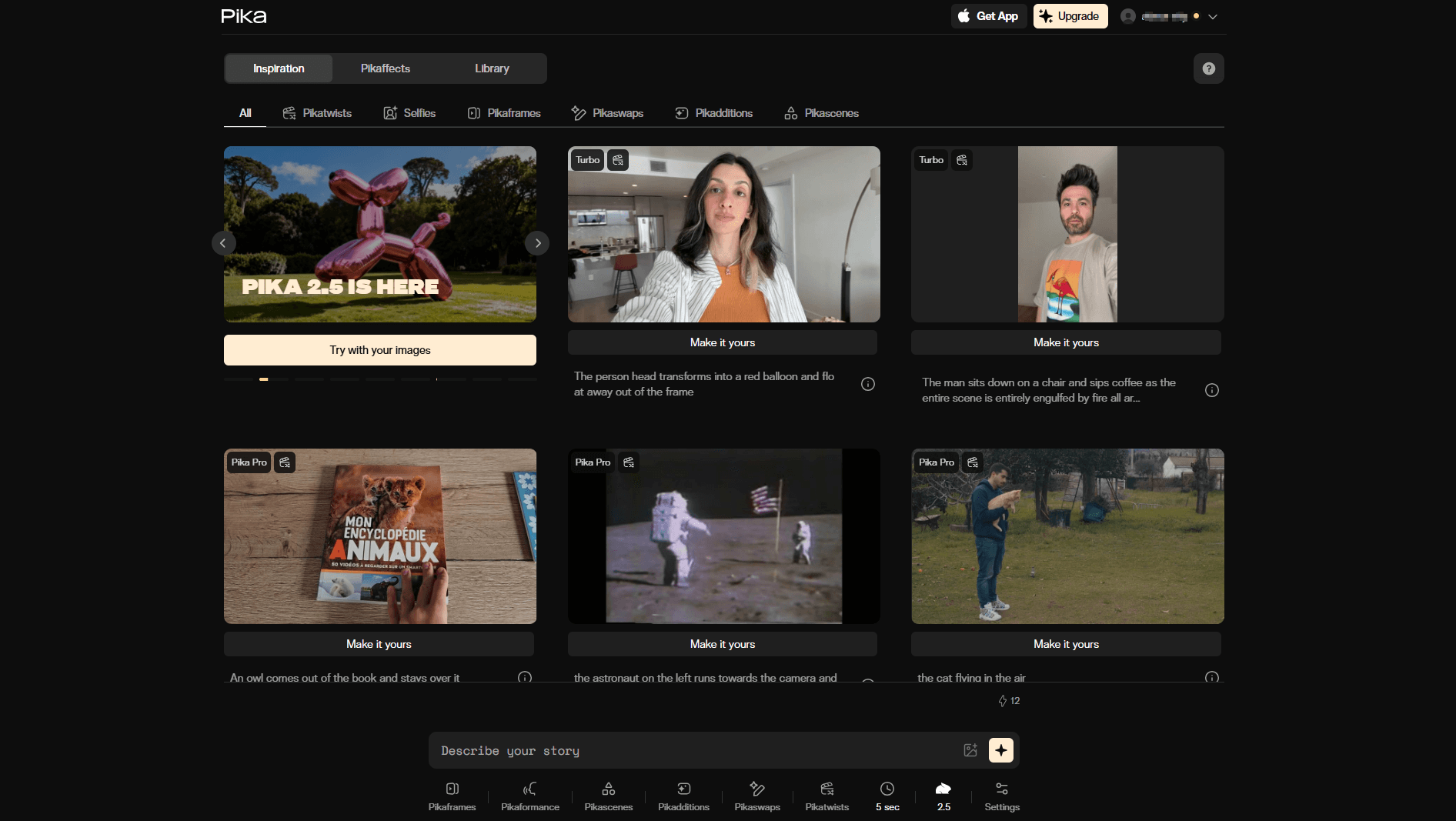
Pika Labs

$8 – $76/month

Free exploration with caps; paid unlocks speed and quality.

Pika Labs interface preview in SkyReels V4 alternatives comparison for AI video generator features

Quick social and short-form generation with a shallow learning curve—ideal for fast Reels-style clips.

Pros
  • Simple interface and fast iteration
  • Great for short vertical and social formats
  • Low friction for non-technical creators
Cons
  • Less advanced editorial control than pro suites
  • Not the first pick for long-form cinematic pipelines

Best for: Social creators and marketing teams needing speed over depth.

Visit Site
6

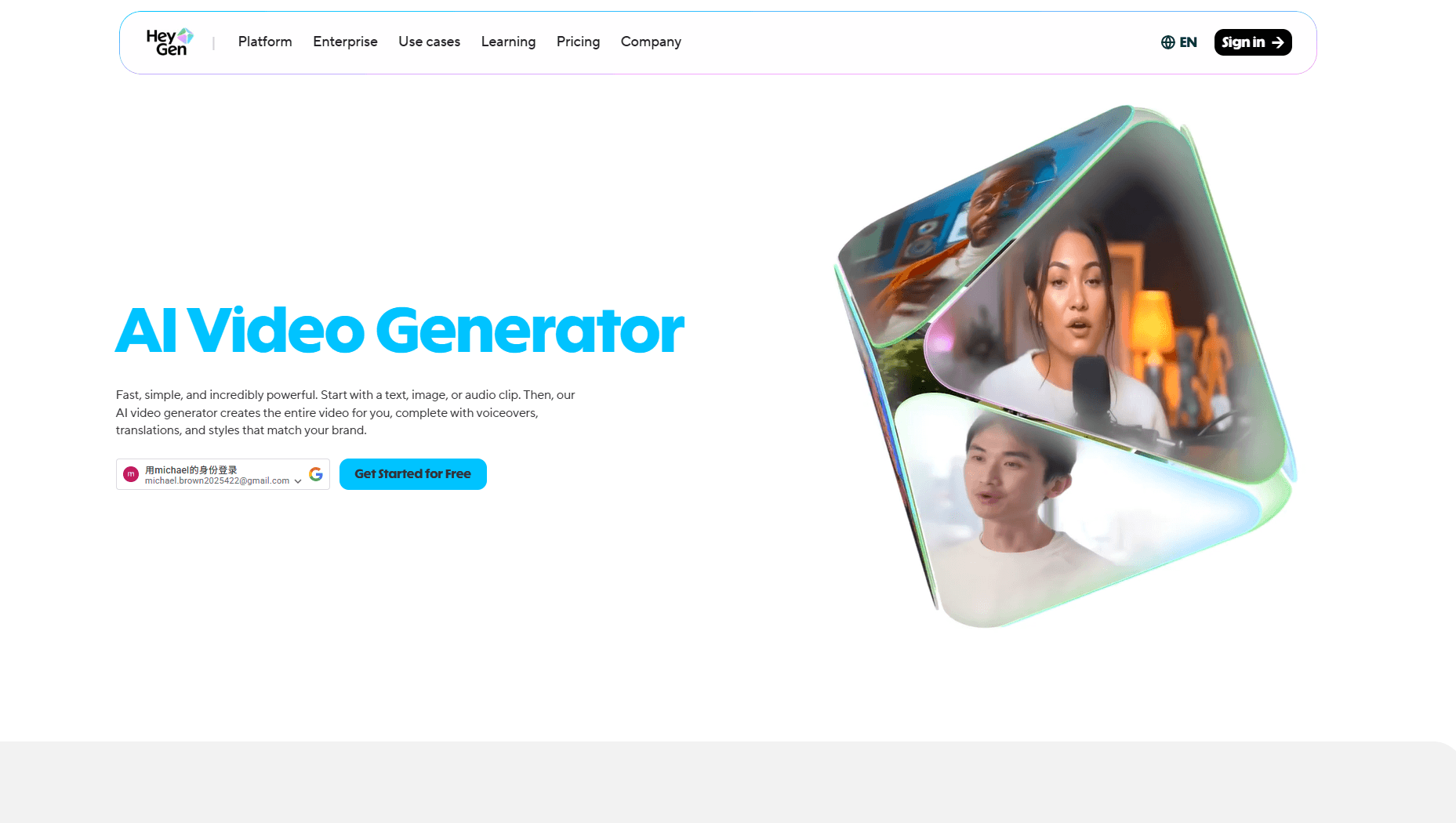
HeyGen

$24 – $330/month

Pricing scales with minutes, avatars, and API access.

HeyGen interface preview in SkyReels V4 alternatives comparison for AI video generator features

Avatar and talking-head video with reliable lip sync—strong when the message is presenter-led.

Pros
  • Strong avatar and talking-head workflows
  • Good lip sync for spokesperson-style content
  • Useful templates for corporate and L&D
Cons
  • Can get expensive for purely creative experiments
  • Less focused on raw cinematic scene generation

Best for: Corporate comms, avatars, and presenter-led video at scale.

Visit Site
7

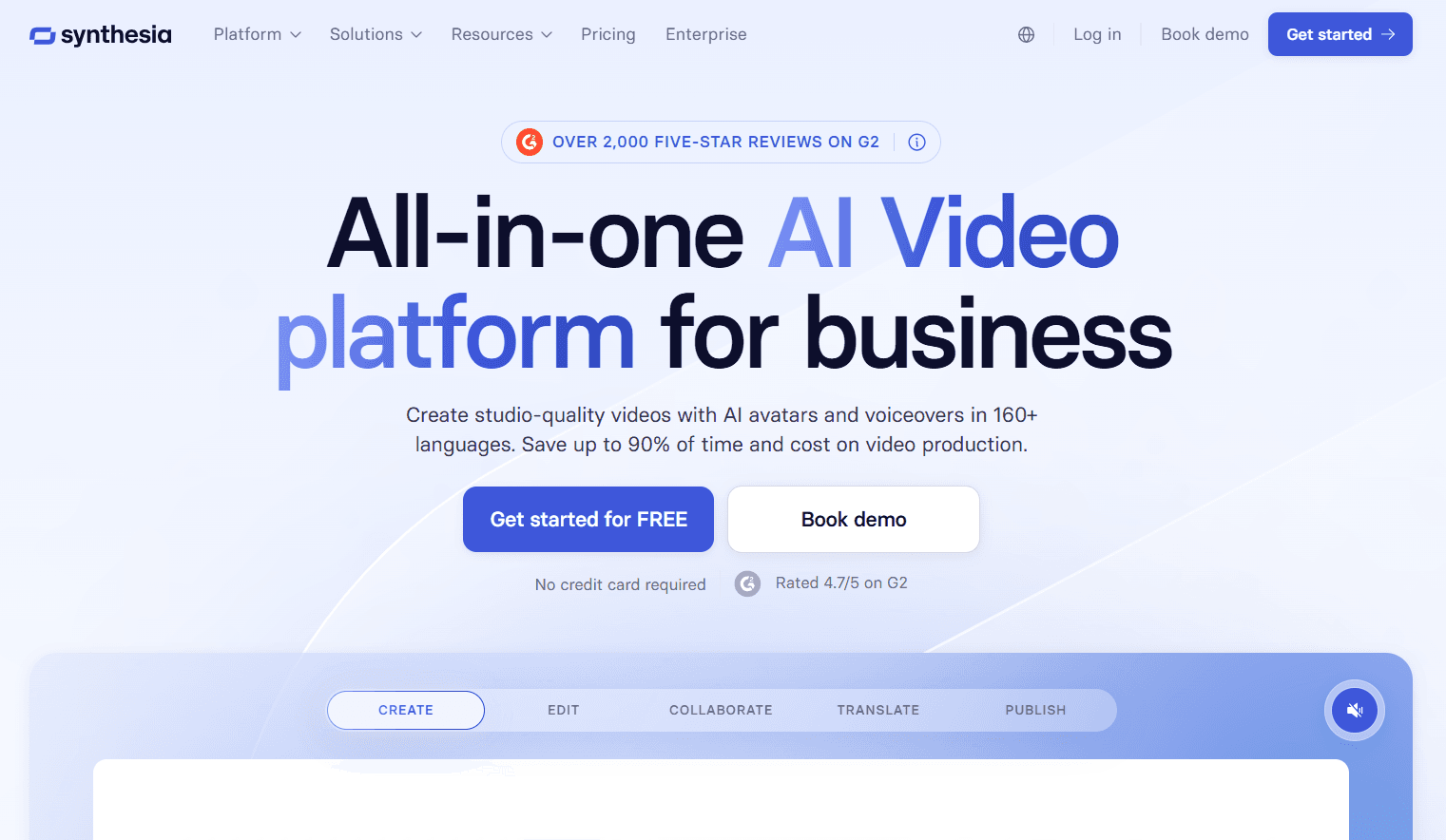
Synthesia

$18+/month

Enterprise plans for SSO, branding, and scale.

Synthesia interface preview in SkyReels V4 alternatives comparison for AI video generator features

Enterprise-grade synthetic presenters and templated video—built for training and consistent brand messaging.

Pros
  • Polished templates for training and internal comms
  • Enterprise controls and governance options
  • Predictable formats for stakeholder review
Cons
  • Limited flexibility for wild creative directions
  • Not optimized for cinematic scene synthesis

Best for: Enterprise L&D and standardized corporate video.

Visit Site
8

OpenAI Sora

Via ChatGPT / OpenAI subscription

Availability and quotas depend on region and product tier.

OpenAI Sora interface preview in SkyReels V4 alternatives comparison for AI video generator features

Very high visual fidelity when you can access it—best for premium experiments and flagship concepts.

Pros
  • Excellent realism and detail when prompts land
  • Strong cultural awareness of cutting-edge video AI
  • Useful for flagship demos and R&D
Cons
  • Access limits and uneven rollout by market
  • Slower iteration loops vs always-on consumer tools

Best for: High-end concepts, experiments, and flagship creative proofs.

Visit Site

Use this comparison to see where SkyReels V4 excels and where other models may fit specific workflows.

Generate your first video with SkyReels V4

Learn how these tools compare in practice: SkyReels V4 vs Seedance 2.0. For step-by-step guidance, visit our how to use SkyReels tutorial.

[ FAQ ]

Frequently Asked Questions

Quick answers about SkyReels V4 and smarter alternatives.

What is SkyReels V4 model?+
SkyReels V4 is a unified video-audio foundation model that generates synchronized visuals and sound using dual-stream MMDiT. It supports text to video, image to video, and multimodal references. Many users seek alternatives for better pricing and fewer queues.
How to use SkyReels V4?+
Upload prompts or references and generate 15s clips with native audio sync. For alternatives, evaluate sync quality, control options, and render consistency first, then choose pricing that matches your output volume. Check our tutorial for workflows.
Why look for SkyReels V4 alternatives?+
Different teams prioritize different trade-offs, so comparisons help identify the right tool by sync quality, controllability, output style, and operating cost.
Is there a free SkyReels V4 alternative?+
Yes, many alternatives offer a free trial tier. But for production decisions, prioritize core capabilities (sync quality, reliability, control, and export readiness) over one-time free credits.
Does SkyReels V4 have a GitHub version?+
Earlier versions appear on Hugging Face and GitHub. The hosted SkyReels V4 experience is designed for immediate use without local setup or hardware constraints.
What are the key features of SkyReels V4 video generator?+
Native audio-visual sync, multimodal inputs, and 1080p cinematic output. SkyReels V4 is strongest when you need short, polished, synchronized clips for commercial creative use.

[ Get Started ]

Ready to Create with SkyReels V4?

Put SkyReels V4 core strengths to work: native audio-visual sync, controllable multimodal inputs, and cinematic output quality for production-ready short videos.