How to use SkyReels V4 — cinematic AI video workspace with synchronized native audio

[ How To ]

How to Use SkyReels V4

Learn how to use SkyReels V4 to generate cinematic videos with synchronized audio using Text to Video, Image to Video, and Omni Reference modes. Perfect for creators and marketers.

[ Quick Start ]

SkyReels V4 Quick Start

Get started with SkyReels V4 in under 60 seconds and create your first synced video today. Sign in or create a free account on skyreelsv4.run. Choose Video Generation or Omni Reference tab. You're ready to generate 1080p clips with native audio — no downloads, no extra tools.

[ Tutorial ]

How to Use SkyReels V4 Step-by-Step

Follow these exact steps to generate professional synchronized video and audio every time.

STEP 1

Sign In & Choose Mode

Log in and switch between Video Generation or Omni Reference tabs. The interface is dark, clean, and focused — exactly as shown in the screenshots.

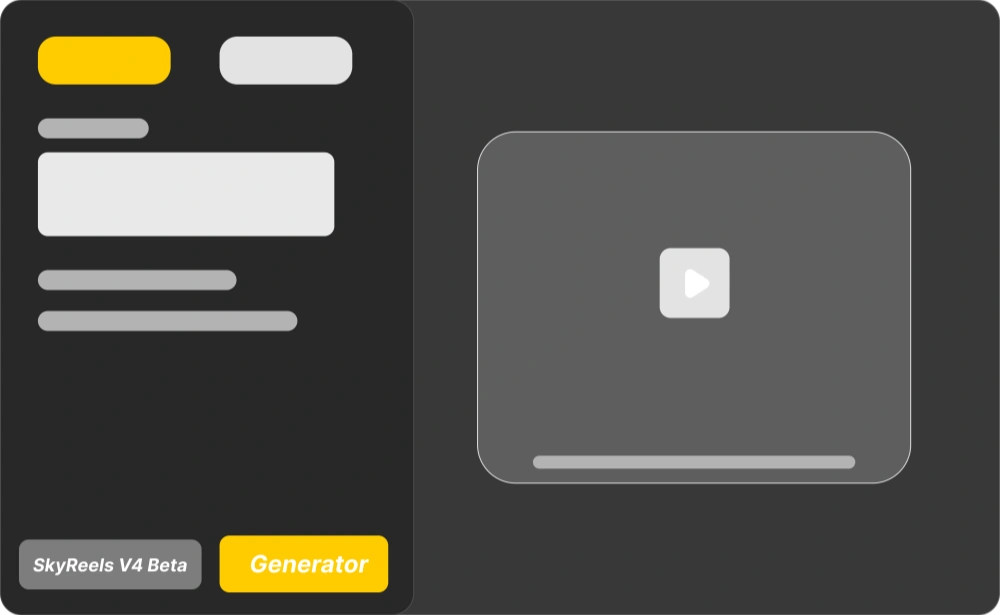
SkyReels V4 — Video Generation and Omni Reference mode selection in the dark UI
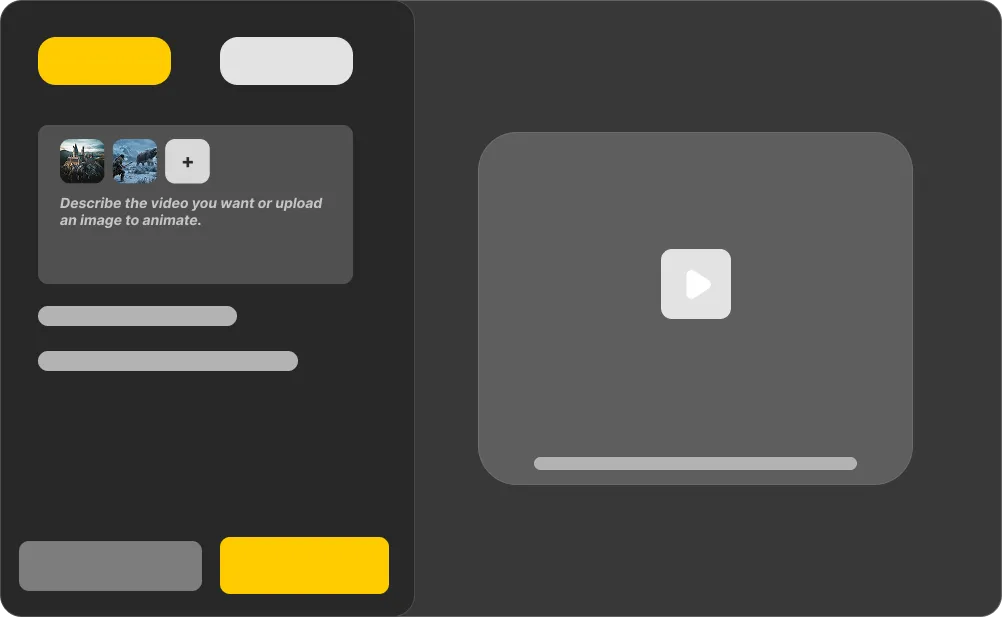
SkyReels V4 — Start Frame prompt and Omni Reference uploads for image, video, and audio

STEP 2

Input Your Content

In Video Generation, click “Start Frame” and describe your video or upload an image. In Omni Reference, upload image + video + audio references for full control.

STEP 3

Set Parameters

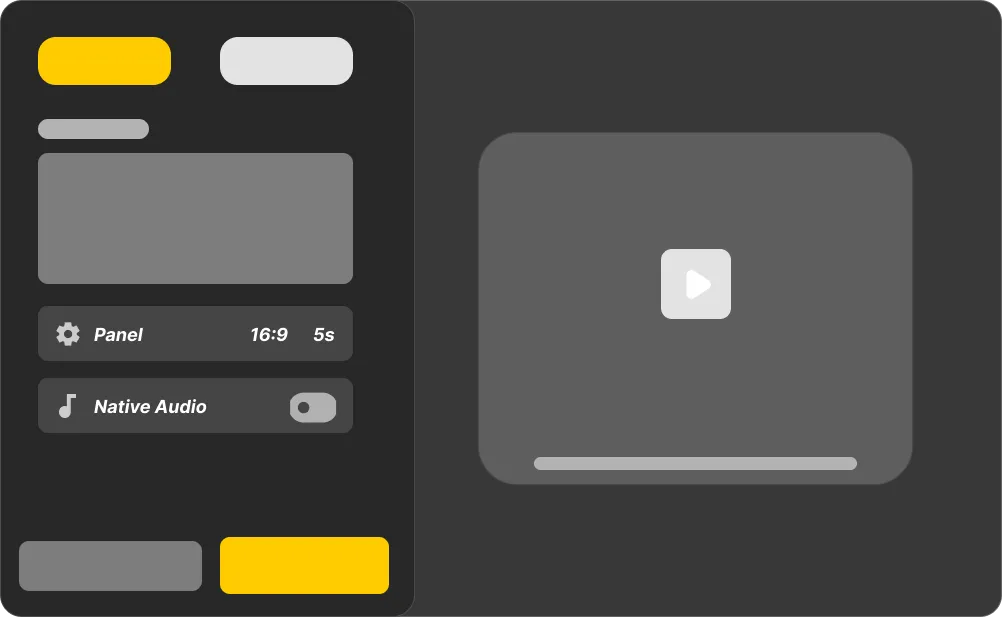
Choose duration (5s–15s), aspect ratio (16:9, 9:16, 1:1, etc.), and toggle Native Audio on. This activates the dual-stream MMDiT for perfect sync.

SkyReels V4 — duration, aspect ratio, and Native Audio parameter controls
SkyReels V4 — preview player with synchronized audio and mask-based refinement

STEP 4

Generate & Preview

Hit Generate. Watch the preview with synced audio. Use masks to refine specific parts without starting over.

STEP 5

Export

Download watermark-free 1080p MP4. Ready for ads, Reels, or client delivery.

SkyReels V4 — export watermark-free 1080p MP4 for social and commercial use

Real result: A 12-second product reveal with voiceover and click sounds generated in 58 seconds — fully synced on first try.

[ Prompts ]

SkyReels V4 Prompt Templates for Videos

Copy these proven prompts and get strong results immediately. Tap a clip to view details and copy the prompt.

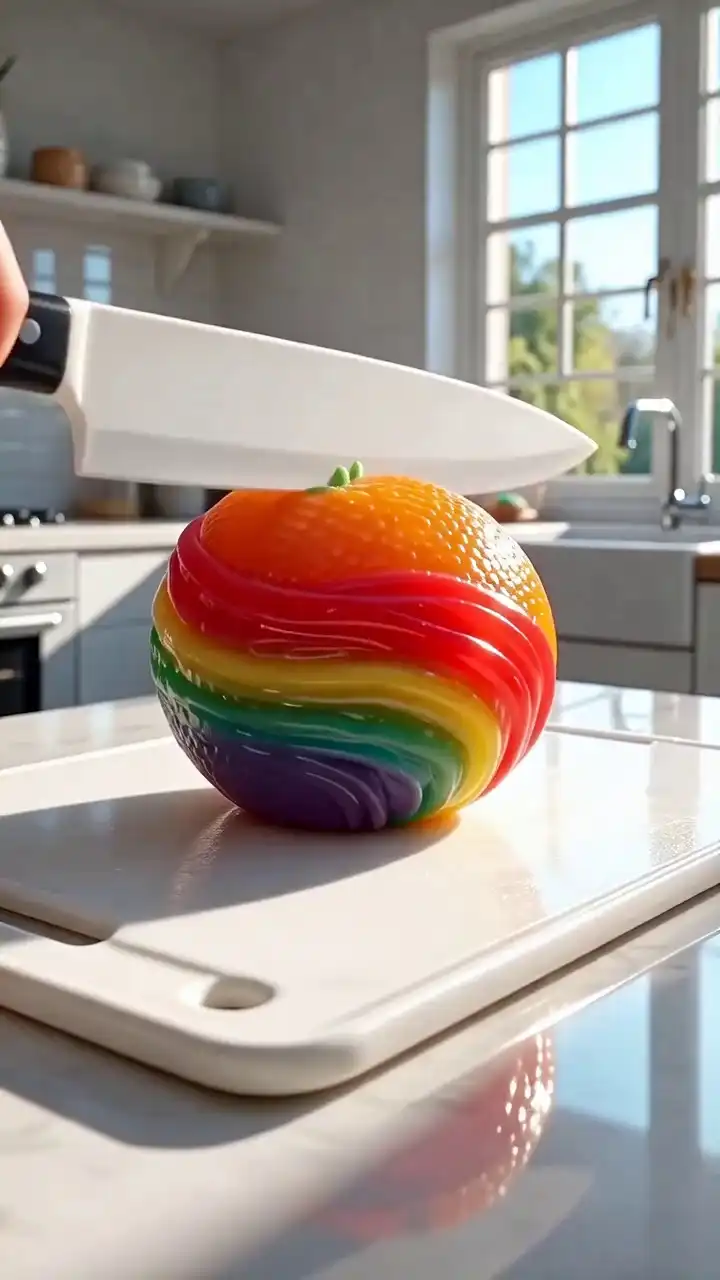
SkyReels V4 prompt template thumbnail — Rainbow Fruit ASMR
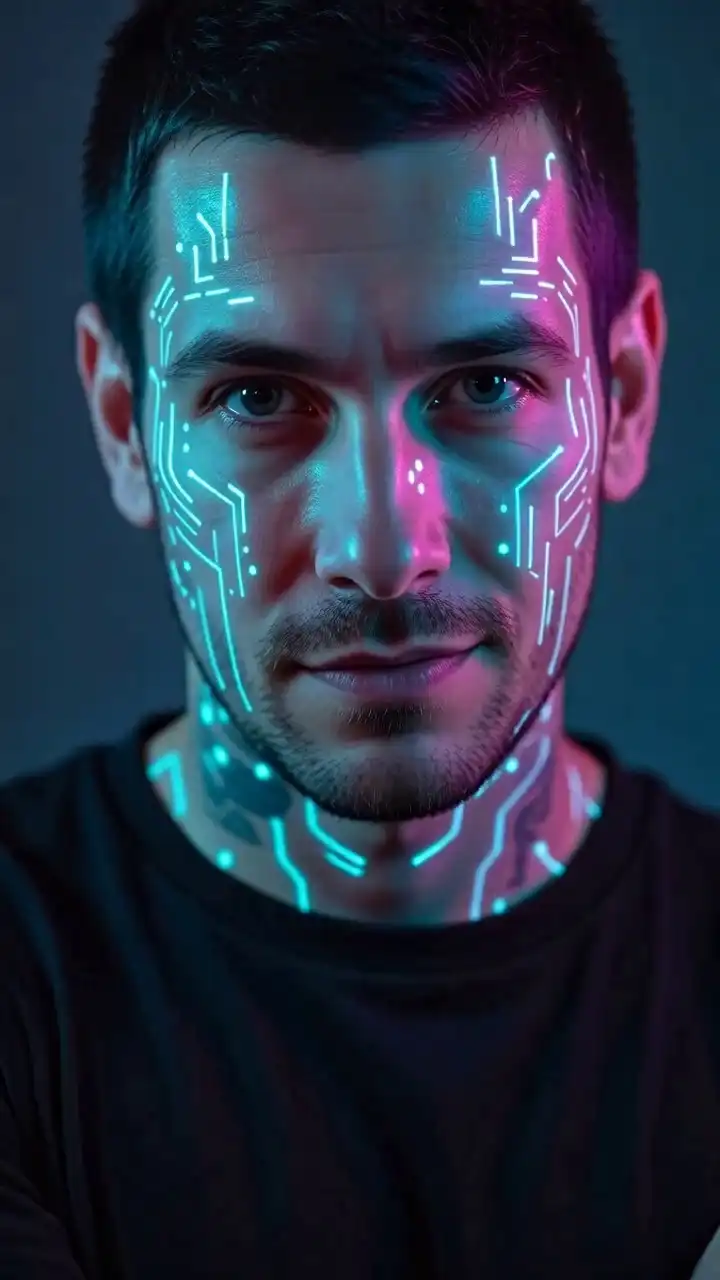
SkyReels V4 prompt template thumbnail — Cyberpunk Face
SkyReels V4 prompt template thumbnail — Running with Red Balloon
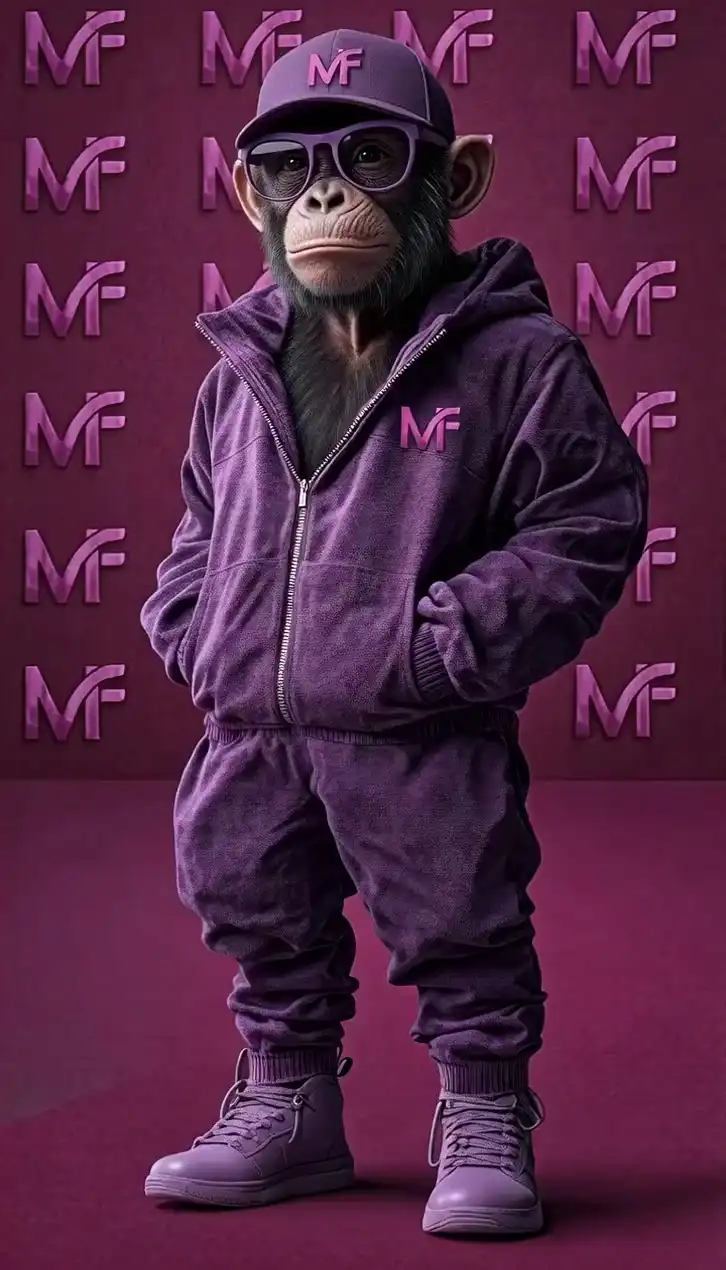
SkyReels V4 prompt template thumbnail — Streetwear Monkey
SkyReels V4 prompt template thumbnail — Wheat Field Portrait
SkyReels V4 prompt template thumbnail — Happy Grandpa with Apple
SkyReels V4 prompt template thumbnail — Cozy Cat in Rocking Chair
SkyReels V4 prompt template thumbnail — Shocked Construction Worker
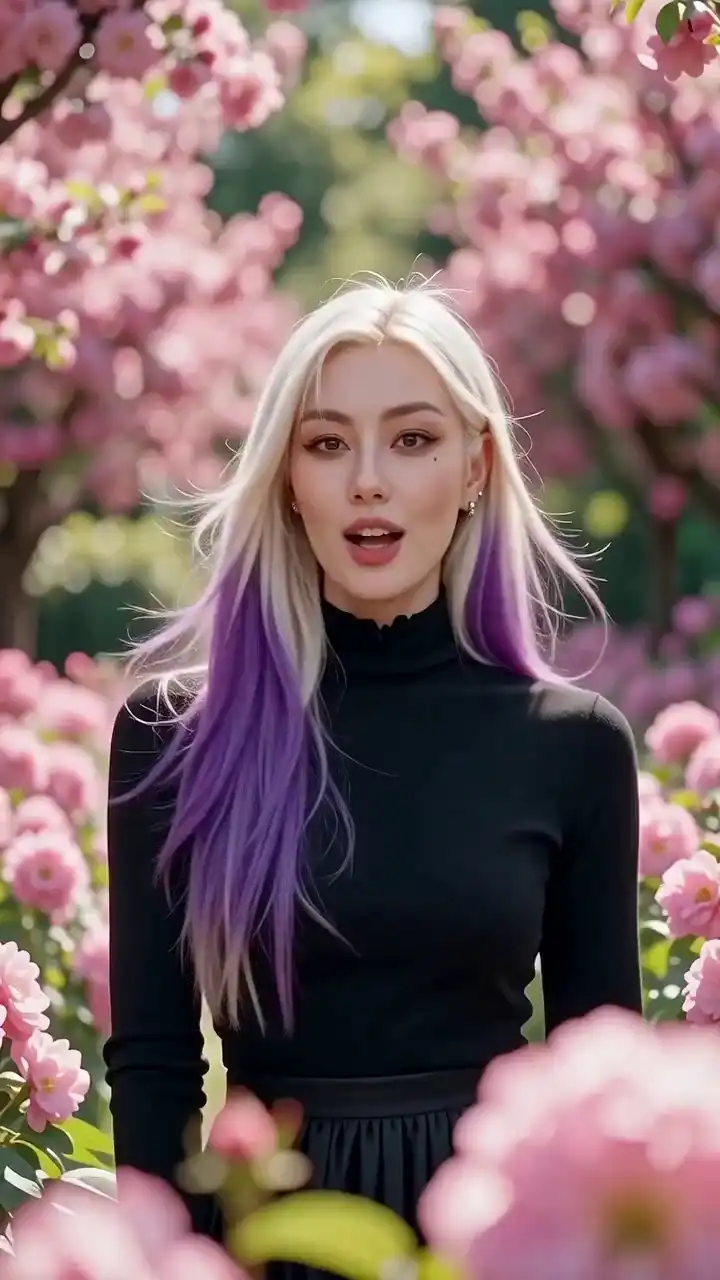
SkyReels V4 prompt template thumbnail — Blonde in Cherry Blossoms
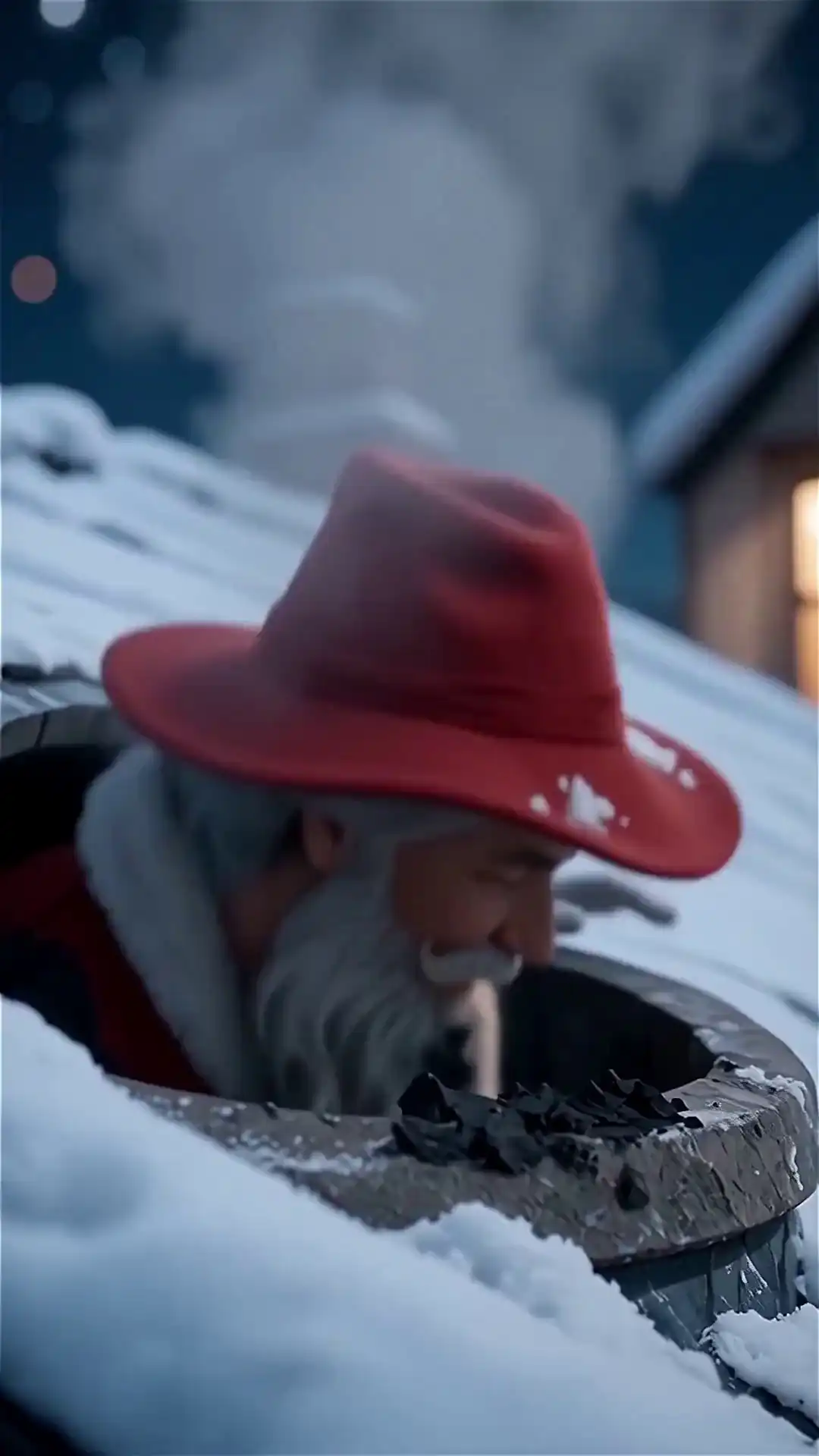
SkyReels V4 prompt template thumbnail — Mysterious Santa in Snow

Pro tip: Be specific about camera movement and sound cues — the model rewards detail.

[ Best Practices ]

SkyReels V4 Prompt Writing Best Practices

Write clear, detailed prompts that unlock SkyReels V4's native audio sync and cinematic quality every time.

Good prompts are the key to professional results. Be specific about subject, motion, camera, lighting, and sound. The model rewards detail — the more precise you are, the better the synchronized video and audio output.

Core prompt formula

[Subject] + [Action/Motion] + [Camera Movement] + [Lighting & Style] + [Audio Details] + [Duration].

Example: "Woman presenting confidently at modern podium, subtle hand gestures, slow handheld push-in, professional conference lighting, natural voice with light audience applause, 12 seconds."

Text to Video prompts

Focus on storytelling and sound. "Busy café scene, two people arguing passionately, background chatter and clinking dishes, warm afternoon light, natural lip sync, 15 seconds." Great for quick ads and social reels.

Image to Video prompts

Start with your uploaded image, then describe motion and audio. "Animate this product photo: wireless earbuds on wooden desk, slow orbiting camera, premium soft lighting, satisfying click when case opens, upbeat background music, 10 seconds." Ideal for product demos and photo animation.

Omni Reference prompts

Combine references with precise instructions. "Use uploaded character image and footsteps audio reference: person walking through misty forest at dawn, consistent face and clothing, gentle handheld camera, birds chirping and leaf crunch sounds, 15 seconds." Perfect for branded storytelling and character consistency.

Pro tips for best results

  • Always mention audio (voice, effects, ambiance) — this activates Native Audio.
  • Specify camera moves from the presets (push-in, orbit, dolly).
  • Keep prompts under 2000 characters for fastest generation.
  • Test one change at a time when iterating.

[ Use Cases ]

SkyReels V4 Use Cases and Examples

Real commercial scenarios where SkyReels V4 delivers fast ROI.

Short-Form Social Ads

Create TikTok/Instagram Reels with synced voiceover and sound effects in minutes.

One team produced 15 polished ads in a single afternoon.
Product Demonstrations

Turn static photos into lifestyle videos with natural motion and satisfying audio cues.

E-commerce brands report 3x faster content creation.

Cinematic B-Roll

Generate atmospheric scenes (rain, dusk city, time-lapse) with perfectly matched ambient sound.

Filmmakers use it daily for documentary fillers.

Talking-Head Explainers

Reliable lip sync and room ambiance without manual editing.

Marketing teams cut post-production time by 70%.

Branded Storytelling Series

Maintain character consistency across multiple shots using Omni Reference.

Perfect for multi-platform campaigns.

[ Pricing ]

SkyReels V4 Pricing & Plans

Clear SkyReels V4 pricing with scalable plans designed for creators and teams. Choose the right option based on your video production needs and workflow.

Starter

$9.9credits
What's Included
  • 450 credits (one-time)
  • ~$0.022 per credit
  • Text-to-video generation
  • Image-to-video conversion
  • Up to 4K resolution
  • Commercial usage rights
  • No watermarks

Pro

$29.9credits
What's Included
  • 1,500 credits (one-time)
  • ~$0.0199 per credit
  • Multi-shot storytelling
  • Native audio sync
  • Reference-driven consistency
  • Commercial usage rights
  • Priority processing
Most Popular

Scale

$59.9credits
What's Included
  • 3,150 credits (one-time)
  • ~$0.0190 per credit
  • Multi-shot storytelling
  • Native audio sync
  • Reference-driven consistency
  • Commercial usage rights
  • Faster processing

Enterprise

$99.9credits
What's Included
  • 5,550 credits (one-time)
  • Best value (~$0.0180 per credit)
  • Multi-shot storytelling
  • Native audio sync
  • Reference-driven consistency
  • Commercial usage rights
  • Highest priority processing
7-Day Refund
PayPal checkout
24/7 Support
One-time purchaseCredits never expireCommercial useDirect support

[ FAQ ]

Frequently Asked Questions

How long does it take to generate a video with SkyReels V4?+
Most 5–15 second clips generate in 30–90 seconds with Native Audio enabled. Paid plans are fastest; the free tier may take up to 2 minutes during peak hours. The unified dual-stream model handles video and audio together, so you get a complete synchronized clip without extra steps.
Is SkyReels V4 free to use?+
Yes — every new account gets free credits for testing. Paid plans start at affordable credit packs and scale for commercial volume. Free credits are perfect for learning, while paid unlocks priority speed and higher limits for professional workflows.
Can I use SkyReels V4 videos for commercial projects?+
Yes. Paid plans include full commercial usage rights for ads, social media, client work, and marketing. Outputs are yours to keep and monetize. Always check the latest terms for branding or resale restrictions.
What is the maximum video length with SkyReels V4?+
Each generation is limited to 15 seconds. You can chain multiple clips using Omni Reference mode for longer sequences while keeping character and audio consistency. This 15-second sweet spot works perfectly for Reels, Shorts, and ad content.
Do I need video editing experience to use SkyReels V4?+
No experience is required. The clean interface and Native Audio feature make it beginner-friendly. Professionals love the advanced controls for precise multimodal editing and fast iteration without switching tools.
How does SkyReels V4 compare to Seedance 2.0?+
SkyReels V4 excels at native audio-visual sync and unified editing in one step. Seedance 2.0 is stronger for longer silent sequences, but V4 delivers ready-to-post clips faster for short-form marketing and storytelling.

[ Get Started ]

Start Creating with SkyReels V4 Today

Ready to create professional synchronized videos with audio?